
POS System Approval and Registration
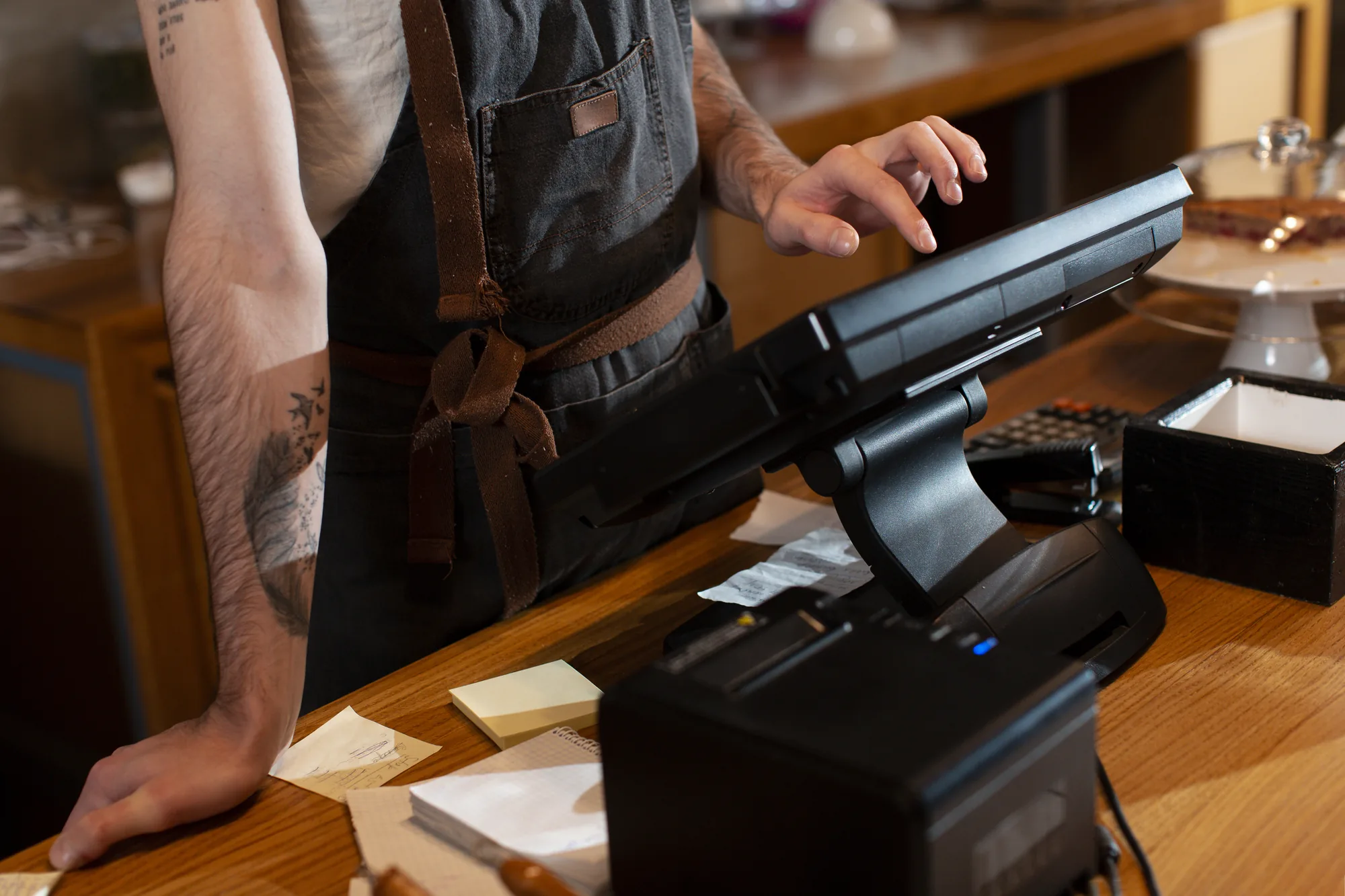
Point-of-sale (POS) systems help retailers and service businesses record sales, manage transactions and monitor inventory. Businesses intending to issue tax invoices through certain cash-register systems should check whether Revenue Department approval is required. A POS system also provides accuracy in the prices of goods and services, because it can store product data and prices as well as product stock, enabling faster and more accurate customer service, whether in searching for products, totalling bills or giving change. It also helps business operators manage their businesses efficiently, as they can view product lists, product stock and sales volumes to support decision-making in managing the business, including the management of staff. Business operators wishing to use a cash register (POS) in their business must be aware of certain matters if they are VAT-registered business operators and wish to use a cash register (POS) to issue abbreviated tax invoices and full tax invoices. Business operators who wish to use a cash register (POS) to issue tax invoices must file an application with the Area Revenue Office where the place of business is located. If a business operator has several places of business, the application is to be filed with the Area Revenue Office where the head office is located, or with the Large Business Tax Administration Division if the business operator falls under that division’s responsibility. A cash register must first be approved by the Revenue Department before the cash register (POS) may be used; use without approval is an offence punishable by imprisonment of up to 6 months, or a fine of up to 10,000 baht, or both.
Advantages of a Cash Register (POS)
Review data at any time
Eliminates problems of fraud and embezzlement
Fast service with fewer errors
Review product stock
Record sales and payment data
Create promotions and discounts
Analytical reports to help you make accurate business decisions
Steps to Apply for Approval to Use a Cash Register (POS)
1. Submit the application for approval to use a cash register (POS) together with the following supporting documents
1.1 Application for approval to use a cash register (POS) to issue tax invoices under the Revenue Code (Form P.P.06), separately for each place of business
1.2 Brief specifications of the cash register (POS): details of the model, brand and serial number, network system (yes/no), and a diagram showing how the cash register (POS) connects to computers and other devices
1.3 Samples of abbreviated tax invoices and the various reports issued by the cash register (POS), and a sample daily sales or service report issued by the cash register (POS)
1.4 A floor plan showing the location of the cash register (POS) at the place of business
1.5 Other documents (if any), such as the notification form for preparing and keeping documentary evidence in electronic data form (Form P.O.11), and the letter requesting approval to use a cash register to issue tax invoices under the Revenue Code, pursuant to Clause 9 of the Notification of the Director-General of the Revenue Department on Value Added Tax (No. 46), where the machine does not have the characteristics specified in the Notification
2. The Revenue Department reviews the application to use a cash register (POS)
Revenue Department officials will review the application and attachments, and examine the specifications of the cash register (POS), together with the sample tax invoices and the various reports.
3. The Revenue Department notifies the result and the machine ID number of the cash register (POS)
If the forms and documents are correct and complete, the Revenue Department will notify the result of the application, together with the machine ID number of the cash register (POS).
4. The business operator has the cash register (POS) record the machine ID number
Once the machine ID number has been received, the business operator must arrange for the cash register (POS) to record the machine ID number assigned by the Revenue Department on tax invoices, copies of tax invoices and every other place that the Revenue Department specifies.
5. The business operator notifies the Revenue Department so that officials may attach the sticker
Once the ID number has been shown on tax invoices, copies of tax invoices and the other points specified by the Revenue Department, the business operator must contact the Area Revenue Office of the area where the place of business approved to use the cash register (POS) is located, so that officials can visit and attach the sticker.
6. Officials inspect the specifications of the cash register (POS) and attach the sticker
Once officials have inspected the specifications of the cash register (POS) and attached the sticker, the business operator may issue tax invoices from the cash register (POS) in full compliance with revenue law.
Greenpro KSP Consulting has explained the application for permission to use a cash register (POS), which should help business operators understand the importance of applying for permission and the various steps involved. However, if you still have questions and require further information, or would like Greenpro KSP to handle the application on your behalf, please contact Greenpro KSP Consulting, a full-service provider of applications for all kinds of business licences, with an experienced and skilled team. We are pleased to advise you. We can help you obtain the various licences correctly under the law, promptly and at an affordable price. In addition, Greenpro KSP Consulting offers limited company registration and value added tax registration services.
Preparing Your POS Machine Before Applying for Approval
Approval may be granted only by the Revenue Department; the machine seller or POS system provider has no authority to grant it. Before purchasing, you should request the complete set of documents from the seller to attach to the P.P.06 application, namely the brief specifications of the machine, the model, brand, machine number (Serial Number), a diagram of its connection to computers, sample abbreviated tax invoices and a daily sales report. The machine must not be used to issue tax invoices until approval has been granted.
Interested? Contact Us for Service Enquiries or a Free Consultation
Greenpro KSP Consulting Co., Ltd.
Address: 43 Thai CC Tower, 11th Floor, Room 111, South Sathorn Road, Yannawa, Sathorn, Bangkok 10120
Tel: 094-864-9799
LINE ID: @greenproksp
E-mail: surapa@greenproksp.com